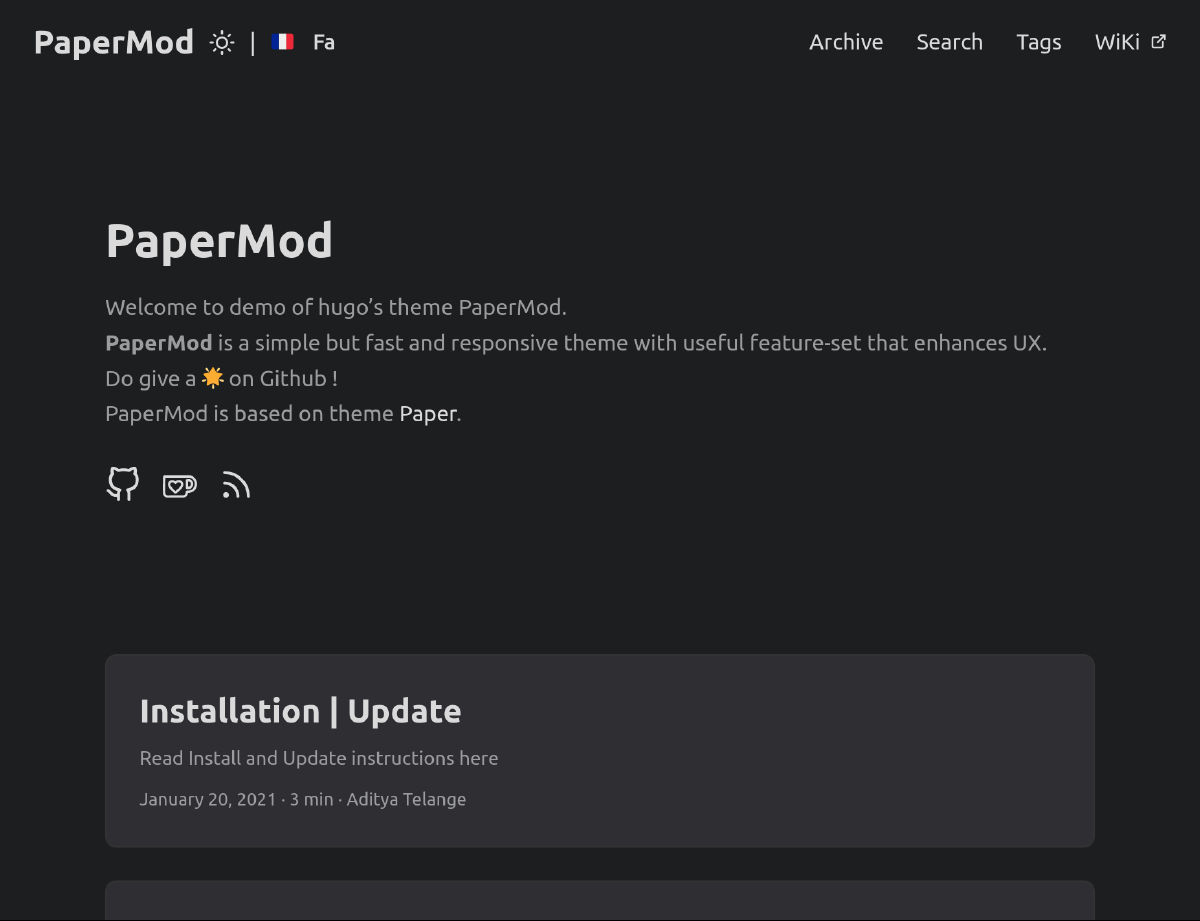
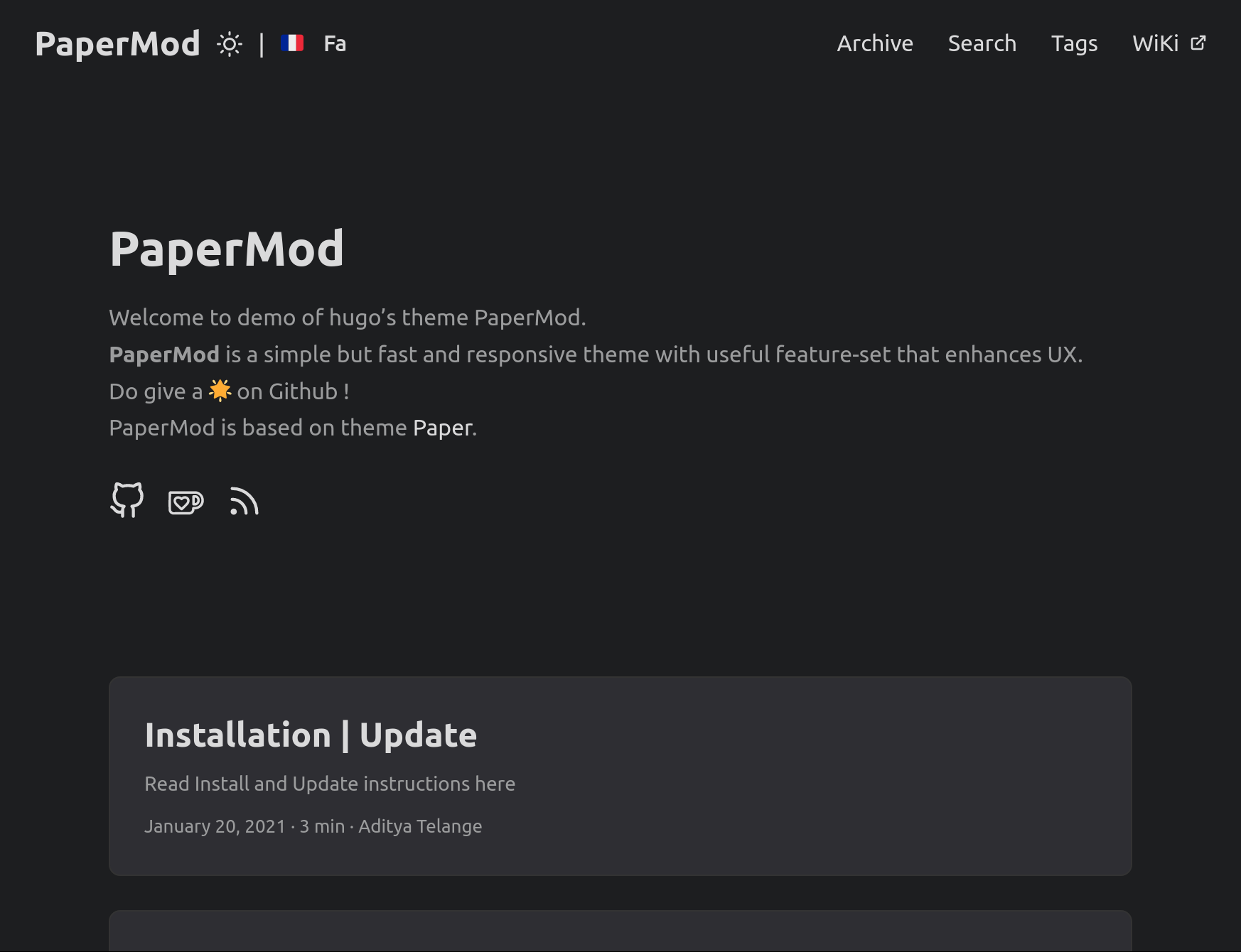
I published this site in September 2022. I built it with the
HUGO framework, with which I had little experience at the time. I used a theme for HUGO called
PaperMod by
Aditya Telange to get the site off the ground.
This category of theme provides you with a ready-made website and several configurable logic-based sorting options. All you had to do to get to the point my previous site was at was add text and change some settings.
The aforementioned approach is fair for most people who want a HUGO-based website to enjoy a limited selection of the benefits the framework entails. However, I decided on the HUGO framework because I wanted a website that I would fully own and control and that was fast and lightweight. The problem with my previous site was that I didn’t understand the PaperMod theme. Even today, there are several elements of the code I don’t fully understand, and much of it I don’t have any use for.
This lack of understanding of the software powering my own website pushed me to learn HUGO and its intricacies, leading me to create my own site from scratch.
HUGO is what is known as a “static site generator”. It may sound like a service like Wix or Squarespace that creates a website for you and usurps your freedoms, but this couldn’t be further from the truth.
Rather, it’s a tool that takes your own HTML and CSS and combines them into a static site that is easy to develop and work on, adding powerful functionality standard static HTML websites can’t contain.
HUGO offers several features, including integration with the GO programming language, the use of partials (similar to PHP), shortcodes, a robust templating system, and the ability to create entire web pages from a single markdown file, such as this one.
The final product may look like a dynamic site with a database, but HUGO generates a lightweight, fully static website that doesn’t require a backend. It is free software that is well-developed and satisfying to use.
I began my new site based on a straightforward template theme by
Eric Murphy, simply called
Hugo Starter Theme. This guide helped me learn partials, pages, and the basics of the HUGO directory structure. I didn’t need to know about these aspects of HUGO using PaperMod because the theme did all these things for me, so this short example theme was very helpful in the beginning.
After learning the basics of partials, shortcodes, and how to create HTML pages and link CSS, I flew through the rest until I got to where GO came into play.
HUGO, written in GO, also uses GO’s text templating system, making it easy to create templates that can be used across the site. The templating system is highly flexible and allows you to create custom layouts and reusable elements. This factor saves considerable time and headaches when building a website, allowing you to reuse HTML components across different pages and add page rules. I had never used GO before, and the language looked strange compared to the ones I’m familiar with. However, I found that learning the basics of GO’s IF statements is all you need for simple yet powerful logical functionality.
To create a website with HUGO, define each element with HTML and style them with CSS, just like you’re used to. Then program some logical rules where needed in GO, and just like that, you have a static site that feels dynamic.
Compared to ordinary HTML and CSS sites, HUGO is a tremendous time saver and brings a lot of functionality to the table. And when compared to CMSs like WordPress, there is no need for JavaScript, a backend, or a mountain of software, hardware, and dependencies to prop it up.
I ruled out WordPress for this reason. It is unnecessarily difficult to work with for a simple website like this. It primarily uses old and inefficient technologies to power it, it is extraordinarily bloated and slower than I’d like, it is constantly vulnerable to attack, and it is unreliable, breaking from update to update. I’ve hosted several WordPress websites and still do, so I’ve experienced all these characteristics of the software. Don’t even get me started on WordPress plugins
HUGO’s close integration with GO makes it just as extensible as advertised. Many site elements typically requiring JavaScript to achieve HUGO can accomplish with GO, keeping the number of scripts to a minimum or even zero.
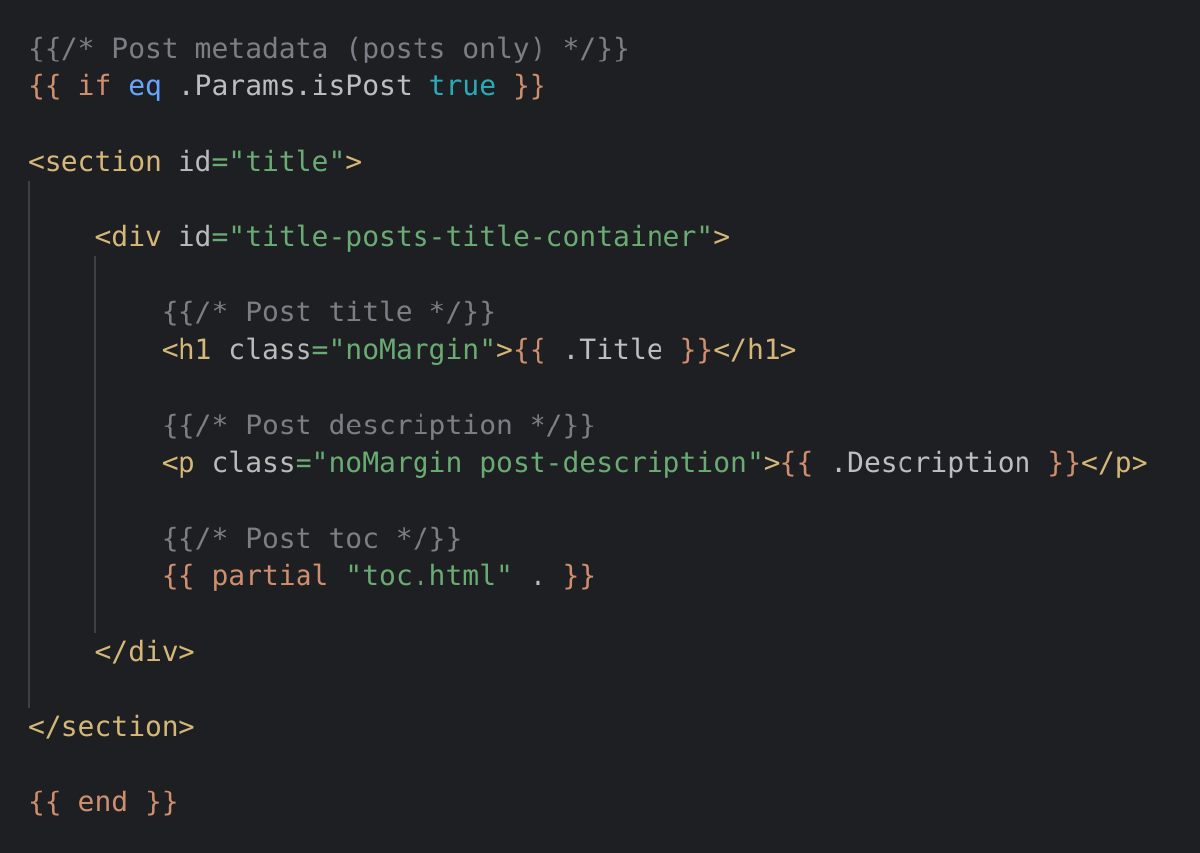
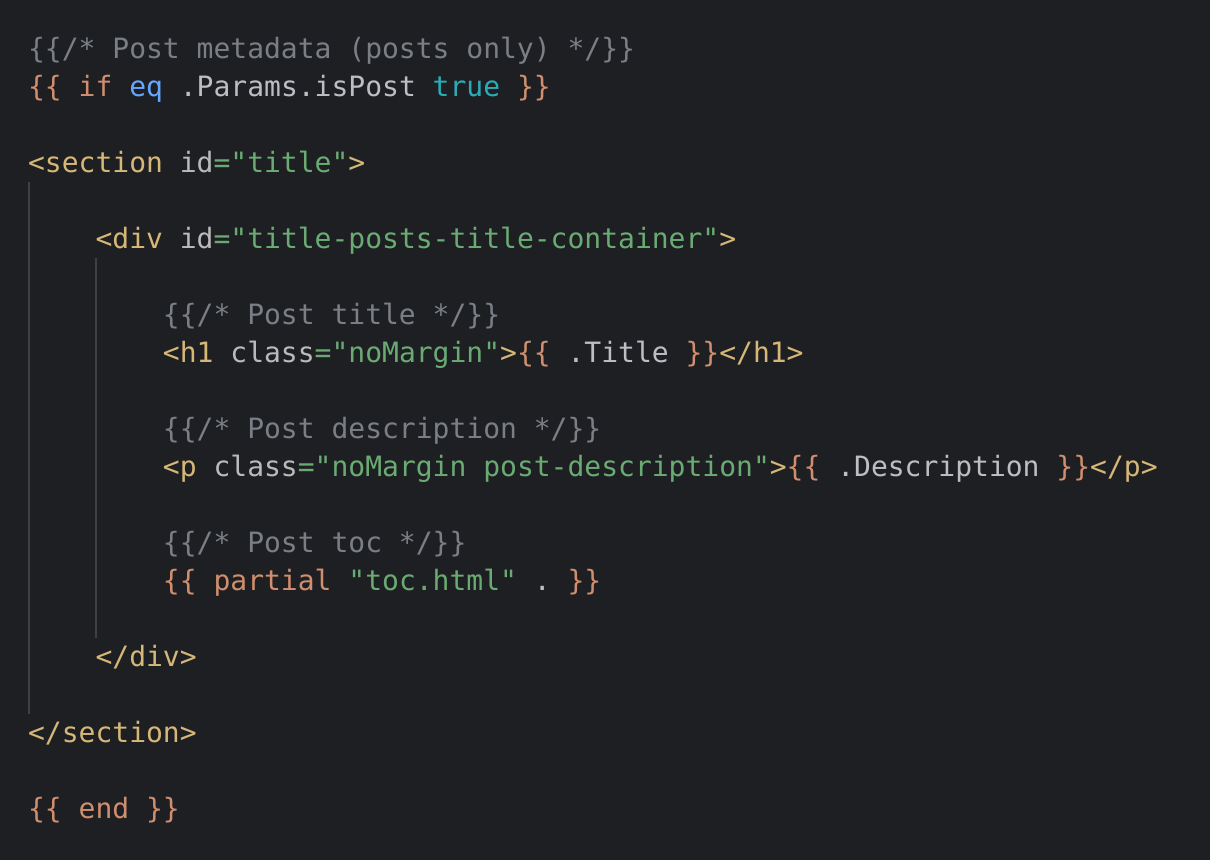
The HTML and GO code that handles displaying the unique metadata of each article at the top of my article pages, including this one.
Here is one example of HUGO’s partials system: Consider the header and footer of your website. In standard HTML and CSS with no framework to assist you, modifying the header and footer involves first making the change, then copying and pasting the new header and footer onto every page on the site. With HUGO, simply insert the header and footer partial at their respective points on each page once, and then any change to the partial later on is applied instantly to wherever that partial is called, everywhere on the site.
Hosting HUGO sites is easy, too. It requires minimal server resources as the logic is prepared upon the site’s speedy build process. Plus, no programs or scripts run on the server’s end; the web server serves only static files.
I picked up HUGO surprisingly quickly. It is straightforward to learn once you find your footing. The theme I used previously was quite complex as far as themes go, making me think HUGO itself was complicated. However, it was trivial to get the hang of, scripting with GO included.
The current iteration of my site’s homepage at the time of writing.
The site, as you see it now, is the result of my leaving pre-made themes behind and truly creating my own website. The HUGO framework offers an abundance of possibilities when it comes to building websites. Its flexible architecture and extensive range of features make it a robust and reliable framework. I can confidently say HUGO is very easy to learn. If you currently use HUGO with a theme made by someone else, I encourage you to create your own site from scratch, as I did, to appreciate the beauty of the framework.